

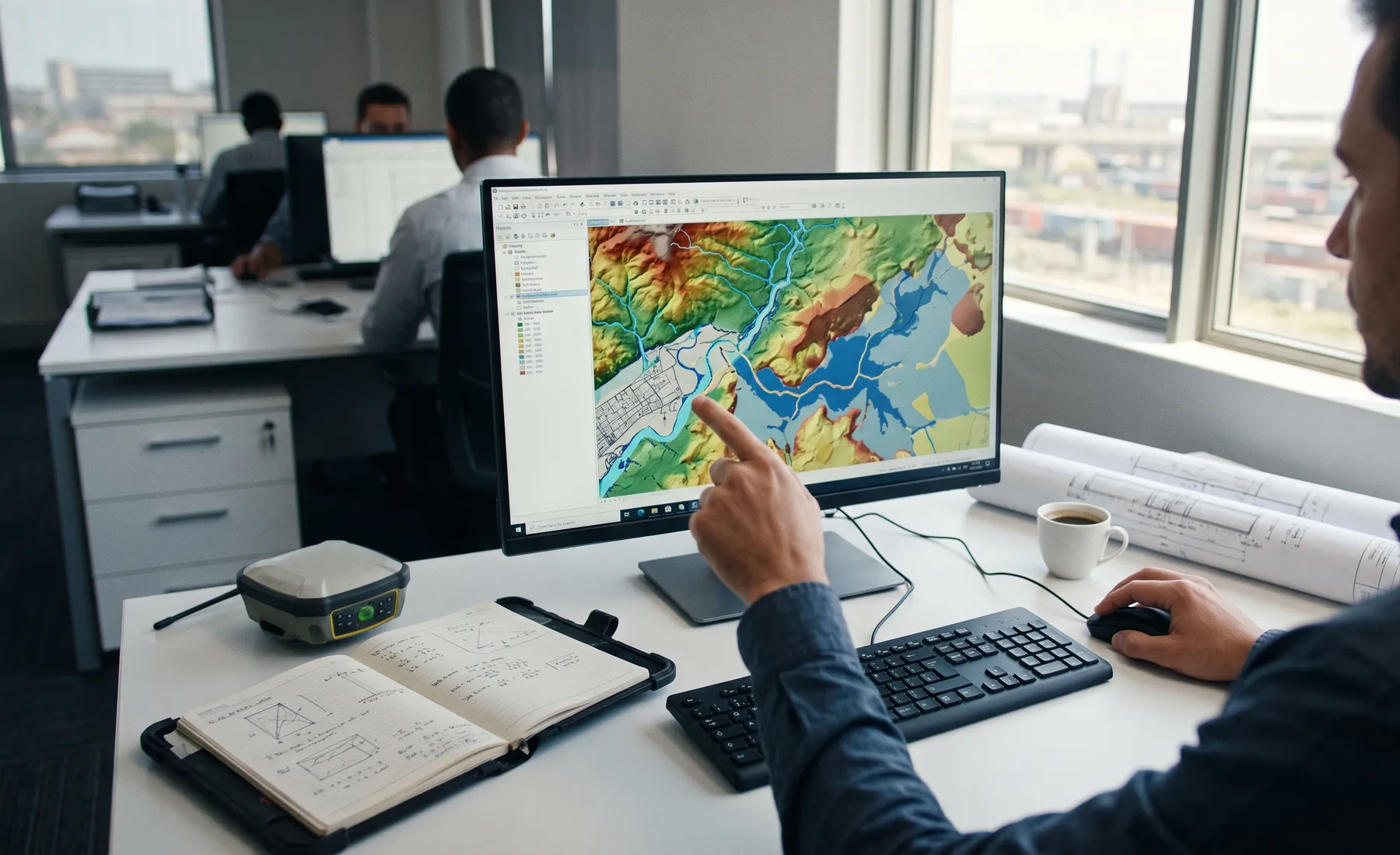
How QGIS Plugins Accelerate Hydrological Workflows
· Written by Stephan Dreyer · Reviewed by Robert Fortuin
Most hydrological work has a hidden tax: the hours spent on the repetitive, fiddly steps between the interesting parts. Delineating catchments, preparing model inputs, reformatting data, producing the same map series for the tenth site — none of it is hard, all of it is slow, and every manual repetition is a chance to introduce an error. A well-built QGIS plugin removes that tax, and in doing so it changes the economics of the work itself.
Running the same manual GIS steps on every study? We build our own modelling on repeatable, traceable workflows — and the hydrological studies they feed.
Hydrological studiesWhere the time actually goes
On a typical study, the modelling and interpretation — the parts that need an engineer’s judgement — are often a minority of the hours. The majority go to data wrangling: clipping and reprojecting terrain, deriving catchment boundaries and flow paths, building the tables a hydraulic model needs, and generating deliverable maps. These steps are mechanical and rule-bound, which is precisely what makes them good candidates for automation. Automating them does not replace the engineer; it gives the engineer their time back for the judgement calls.
What a custom plugin does that manual work cannot
Beyond speed, a plugin brings three things manual processing cannot:
- Repeatability — the same inputs always produce the same outputs, run the same way, every time. For work that has to be defensible under review, a repeatable process is worth as much as a fast one.
- Traceability — a scripted workflow records what was done, so an output can be regenerated and audited months later rather than reconstructed from memory.
- Consistency across a team — a plugin encodes the firm’s method once, so every engineer produces work the same way instead of each having their own manual variation.
This is why we build our own modelling on GIS-integrated, repeatable workflows rather than one-off manual processing — the traceability is not a nice-to-have, it is what keeps outputs review-ready.
Where plugins pay off most
Custom QGIS tooling earns its keep on tasks that are repeated, rule-based, and error-prone:
- Catchment delineation and time-of-concentration flow-path work across many sub-catchments.
- Preparing and QA-checking terrain for hydraulic models, including the merge of survey and bathymetry.
- Building design-rainfall and rational-method inputs consistently.
- Generating standardised deliverable map series for multi-site studies.
The rule of thumb: if a task is done the same way more than a handful of times, or if getting it wrong is expensive, it is a plugin candidate.
Build versus buy versus script
Not everything should be a plugin. A one-off task is often better as a quick script or manual step; the case for a packaged plugin grows with reuse, team size, and the cost of an error. The judgement is in drawing that line — over-engineering a tool nobody reuses is as wasteful as manually repeating a task fifty times. We build the tool when the reuse justifies it, and keep it simple when it does not, which is the same firm-wide plugin discipline we apply to client work.
The same capability, offered to clients
The plugins and automation that keep our own studies repeatable are the same capability we build for clients who have their own recurring hydrological or GIS workflows to streamline. If your team runs the same GIS-and-hydrology process over and over, that process is usually a good candidate for a tool that does it faster, the same way, every time.
See our QGIS plugin development offering for custom tooling, or get in touch if there is a repetitive hydrological workflow your team would rather run at the click of a button.
Working on a site where flooding, stormwater, or floodlines are a concern? Send us a message about it and we’ll reply within one business day — no obligation.
Talk to an engineer